The stuff I actually run on my server

By Raviteja KNTSUpdated July 9, 2026
The fastest way to get what self-hosting is for is to see what someone actually runs. So instead of a giant list of everything that exists, here's what's on my server right now, why it's there, and a few things I tried and dropped.
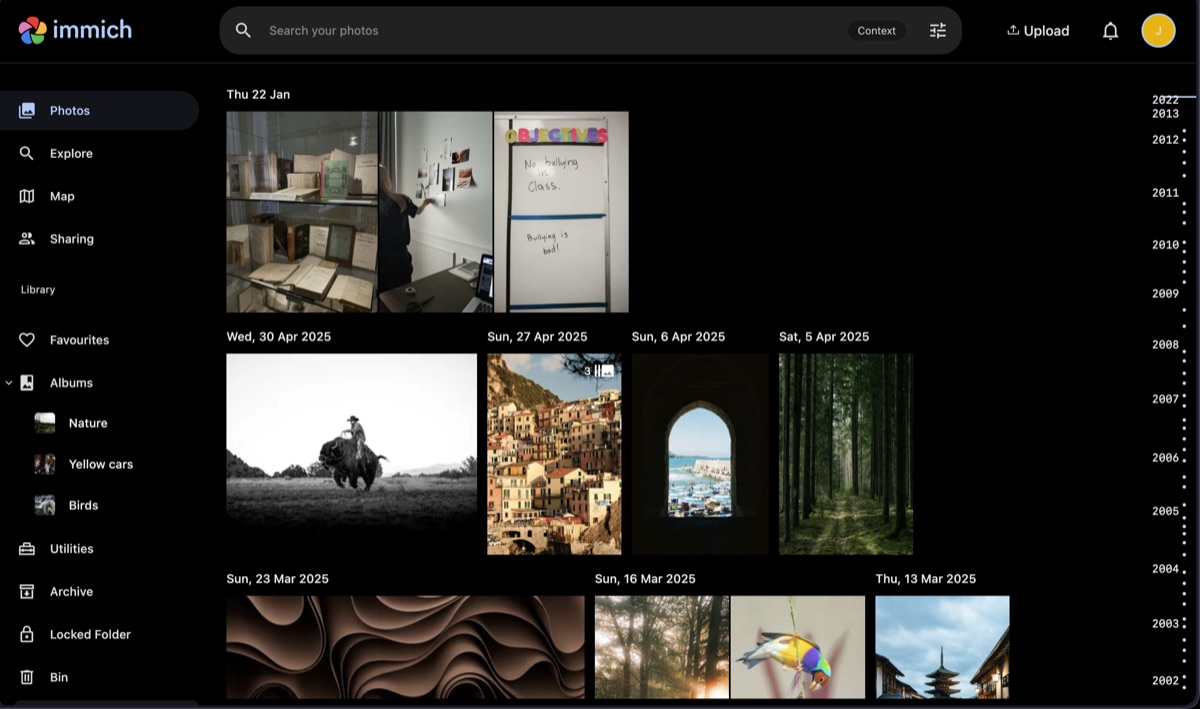
The first one that made self-hosting click for me was Immich, for photos. It's the closest thing to Google Photos I've found, and the phone app backs up automatically the same way. It can also recognise faces and objects, all on my own hardware, so I can type "beach" or a person's name and it just finds them. That was the moment I stopped paying Google for storage.
For passwords, I use Vaultwarden, which speaks the same language as the Bitwarden apps, so I still use the normal Bitwarden extension and phone app, they just talk to my server instead of bitwarden.com. That said, I wouldn't start here. Passwords are exactly the kind of data you don't want to lose while you're still fiddling and breaking things, so save this until you're comfortable and have backups running.
I also use Syncthing to sync my files and folders across devices, ExpenseOwl for simple expense tracking, Filebrowser for a web-based file manager, Karakeep for bookmarks, Uptime Kuma to monitor my apps, and Portainer to manage my Docker containers from a web UI. There are quite a few, and you can find plenty more in our self-host apps directory.
Also, this website and services needed to run it also run on my own homelab server or VPS. For example, code server for my VS Code host, Supabase for the database behind this website and my other projects, BaseBuddy CMS for WordPress like CMS, Umami for analytics, and even this website is hosted on my VPS.
Things you could host that I skipped
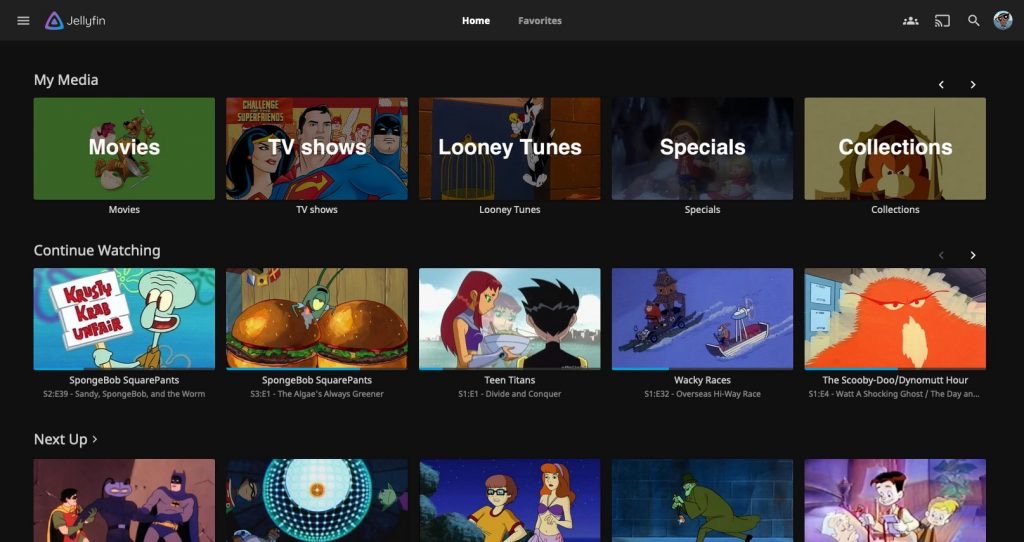
Plenty of people build their server around media. You can run Jellyfin or Plex and basically have your own Netflix, streaming your movie and show collection to the TV and your phone. It's one of the most popular reasons to self-host at all. I skipped it, oddly, because I watch a lot of movies and shows, and so do my family and friends. For that much viewing across that many people, paying for streaming actually works out cheaper and simpler than buying and storing all the media myself.
I gave Nextcloud a real go too, the all-in-one files, calendar, and contacts suite, but it was heavier than I wanted and I only needed the file-sync part. Home Assistant is the other big one I keep circling: if you're into smart home gear and want it running locally instead of through a dozen vendor clouds, it's the thing to run. I'm slowly getting into it. Point is, your server should reflect what you actually use, not a checklist.
Where I'd tell you to start
Not with your photos. I know that's the exciting one, but your first app should be something you won't worry over if you wipe it while learning, because you will fiddle and break things early on, and that's how it's supposed to go. A whiteboard like Excalidraw, a notes app like Memos, a simple dashboard, something with no irreplaceable data in it. Get one of those running and reachable from your phone, and the whole thing stops feeling abstract.
Save the serious stuff, photos, passwords, anything you can't recreate, until after you've got backups sorted. There's a reason that lesson comes before I ever tell you to trust your server with something that matters. Until then, host boring things and enjoy breaking them.
Next, though, let's look at how any of this actually fits together.